Why I made Proza, a typographic theme for Ghost
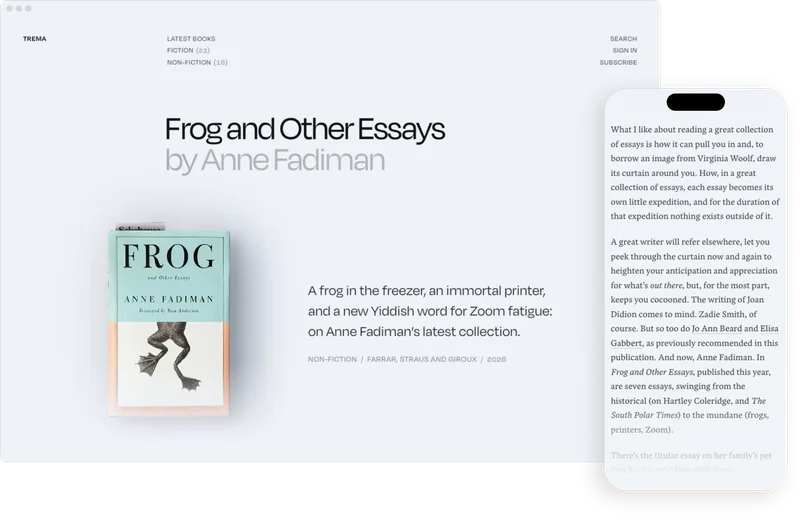
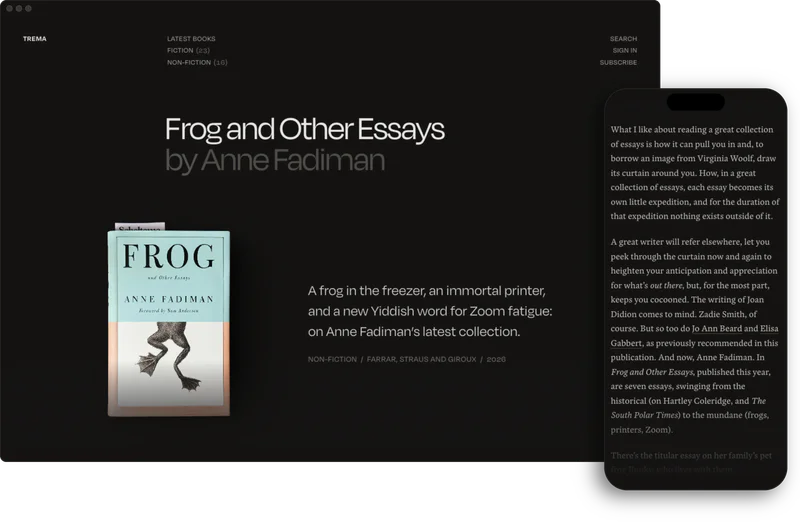
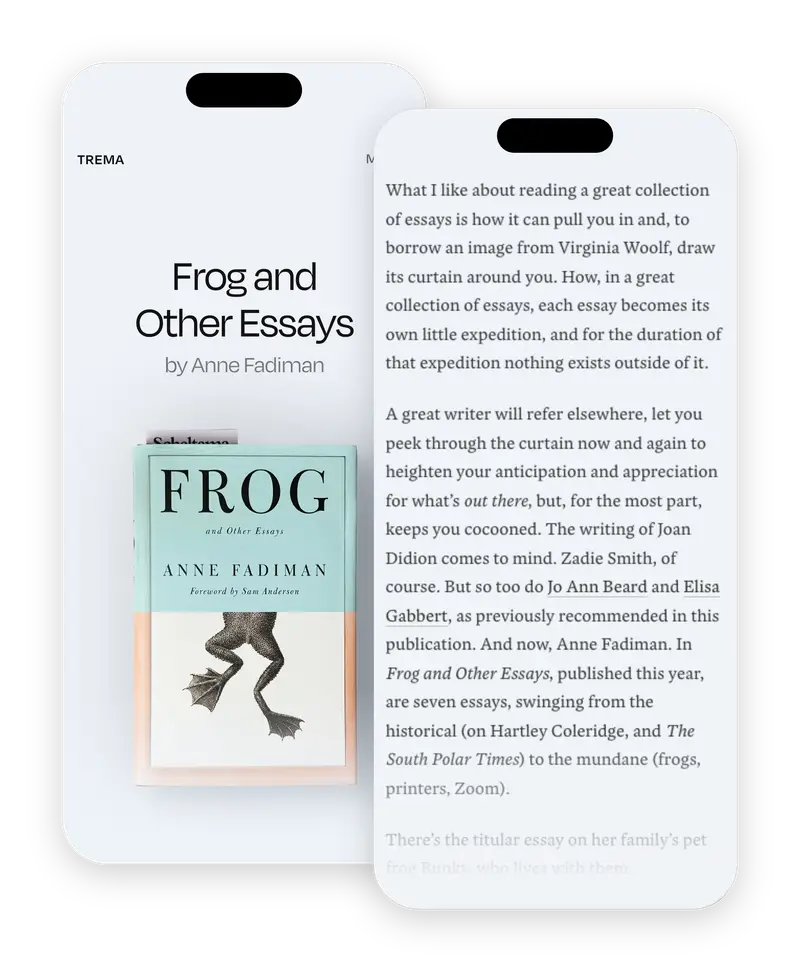
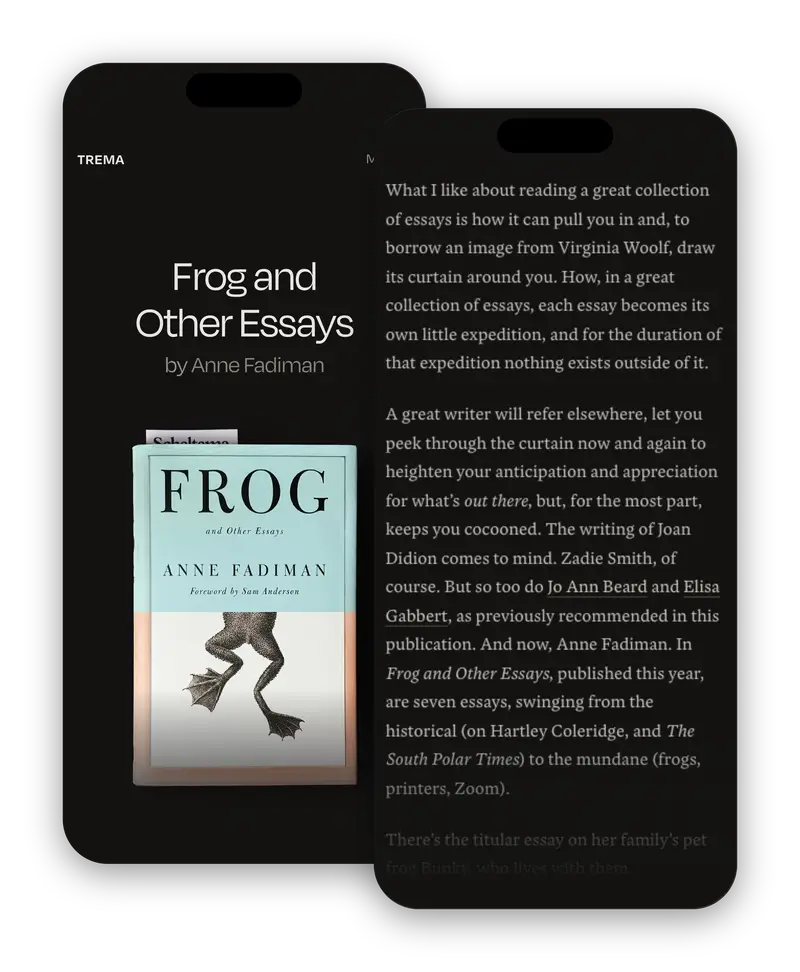
October 20, 2026Last year, after spending a few years establishing the habit of writing and sending out a post every month, I designed and built a theme of its own for Trema, which I publish with Ghost. I wrote about it at the time:
 daniel.pizza
After I launched it, people started asking whether they could use the theme, too, and every time I said no. Not because I’m precious about the code, but because Trema’s theme is the manifestation of a very particular set of decisions for a very particular publication. The article page is built around a photograph of a paper book I took myself; the tags, and how they’re organised, influence the page’s layout; the typefaces, Degular and Blanco, are ones I bought licences for, for my own two sites—I can’t hand them out in a zip file.
Strip all that away and what’s left isn’t really the Trema theme any more.
Looking for a typographic theme
The question kept nagging at me, though. When I looked again at what people said they liked, it was the reading. The premium typefaces, the size of the text, the length of the lines. What they were asking for, I think, wasn’t my theme. It was a theme that took the writing on the page seriously.
Scrolling through Ghost’s marketplace, I noticed nearly all its themes start from the picture: a magazine grid, a big feature image, cards in rows, with the text filling the space between. I couldn’t really find great themes that worked their way outwards from the writing and typography. That seemed like a gap worth plugging.
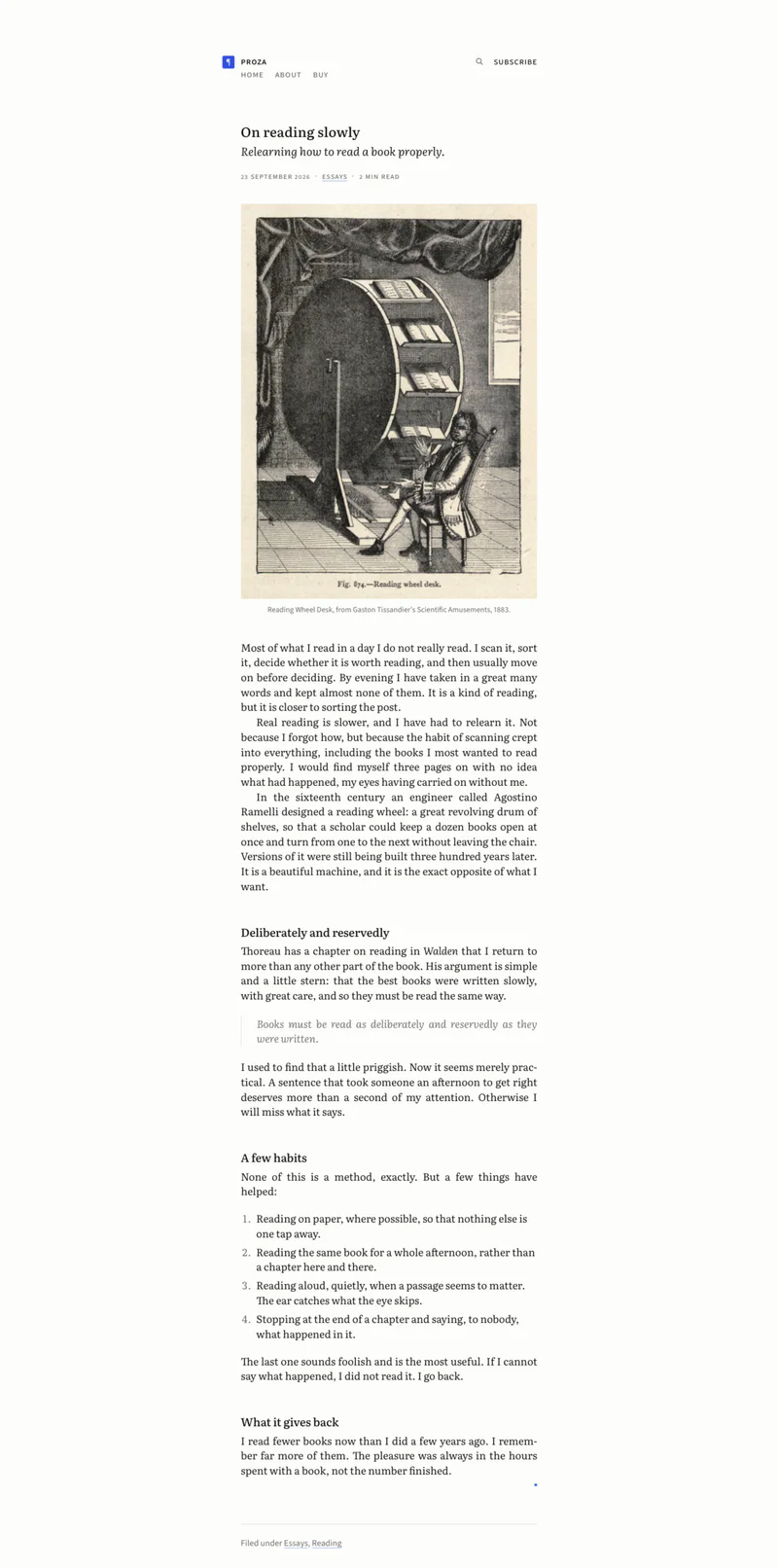
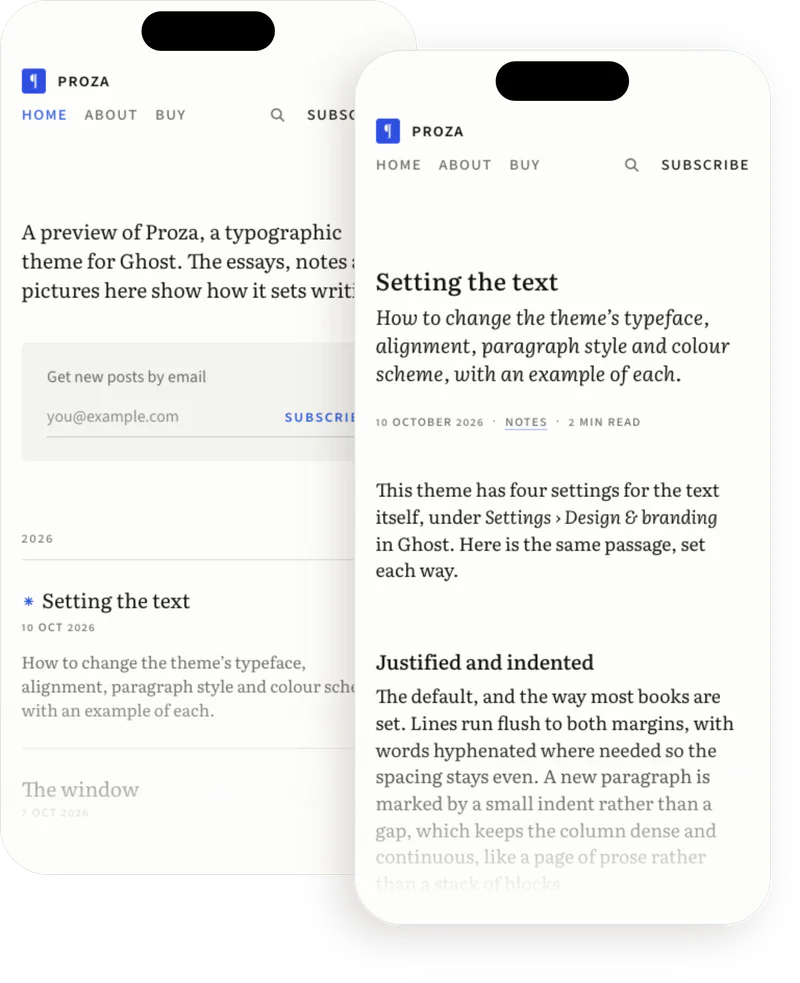
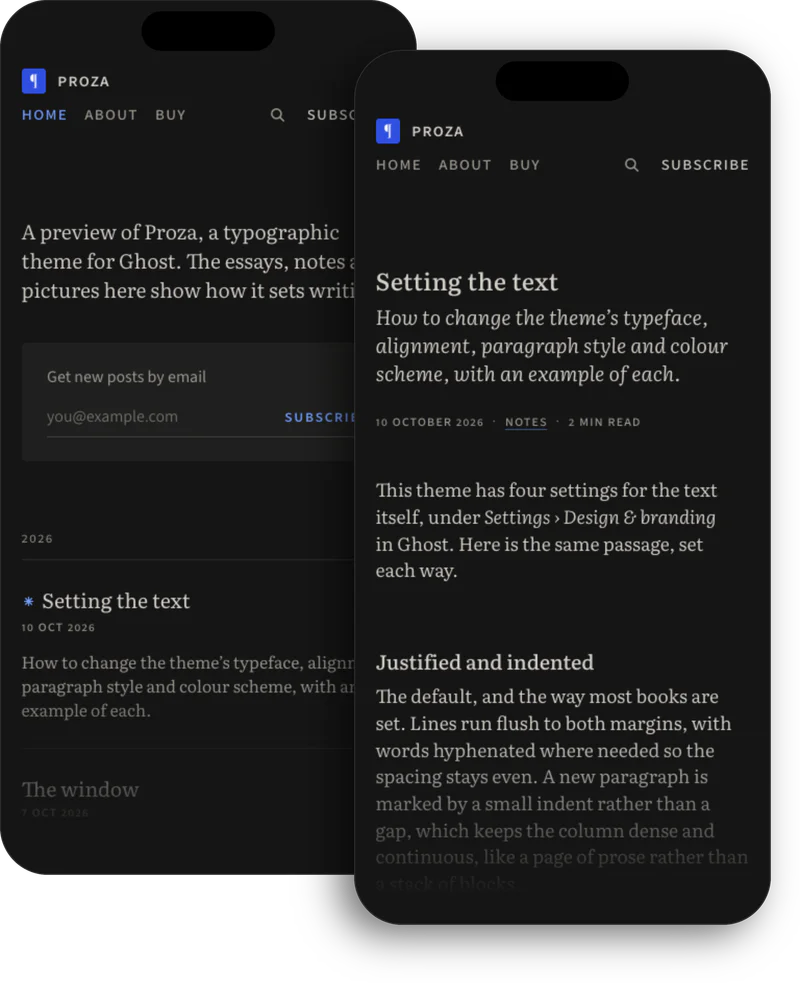
A simple layout, beautifully set
I started with the typeface, and set the theme in Literata by TypeTogether, a serif originally made for Google Play Books in 2014 and completely re-engineered years later. It’s open source, so it can ship with the theme, and it has the technical qualities a book face needs: real italics, ligatures, small caps, old-style figures, and optical sizes that tighten up for headlines and open up for body text. It looks distinctive and refined, and it reads very well.
Literata 3 is a typeface conceived for intensive editorial use, especially on screens of all sorts. Its main potential is in digital publishing, whether on the Web, electronic press, or mobile applications. You can set entire books, magazines, apps, and newspapers in this one typeface, all while using less bandwidth than you’d ever dreamed.
To balance the serif, the smaller parts of the page—navigation, dates, captions—are set in Source Sans 3, Paul D. Hunt’s open-source sans for Adobe. Both are bundled with the theme, so they load from the reader’s own site, not from Google.
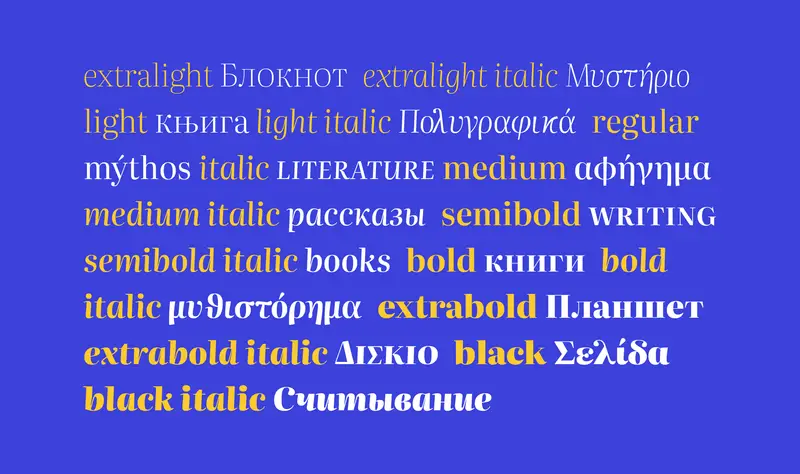
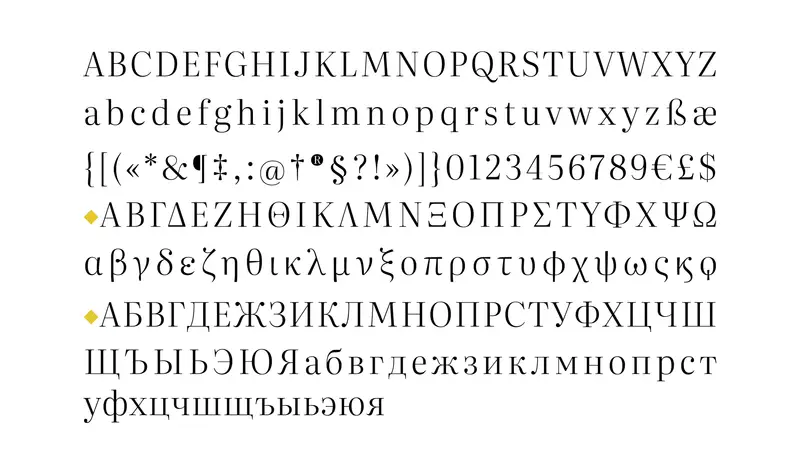
Most of the time I spent building the theme went into small decisions you only notice when they’re wrong. A few I enjoyed making:
- Bold at 600, not 700. Literata’s bold is heavy enough to punch a hole in a paragraph. One step lighter, it still stands out but stays part of the text.
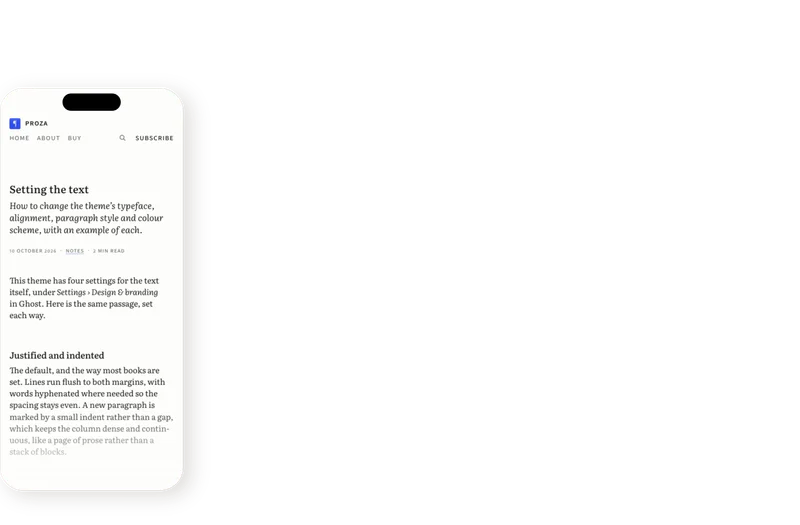
- Paragraphs like a book. A first-line indent instead of a blank line, justified and hyphenated. On phones the text goes ragged right, because a narrow justified column opens up rivers between the words.
- Figures that fit. Old-style numbers in running text, so a year sits among lowercase letters instead of standing above them (just as they do here, on my website), and lining numbers in dates and tables, where they need to line up.
- Small caps for acronyms, so a word like NASA doesn’t shout in the middle of a sentence.
- A small square to end a post, the tombstone that magazines use, instead of an ornament. I tried a fleuron first, but it was much too pleased with itself.
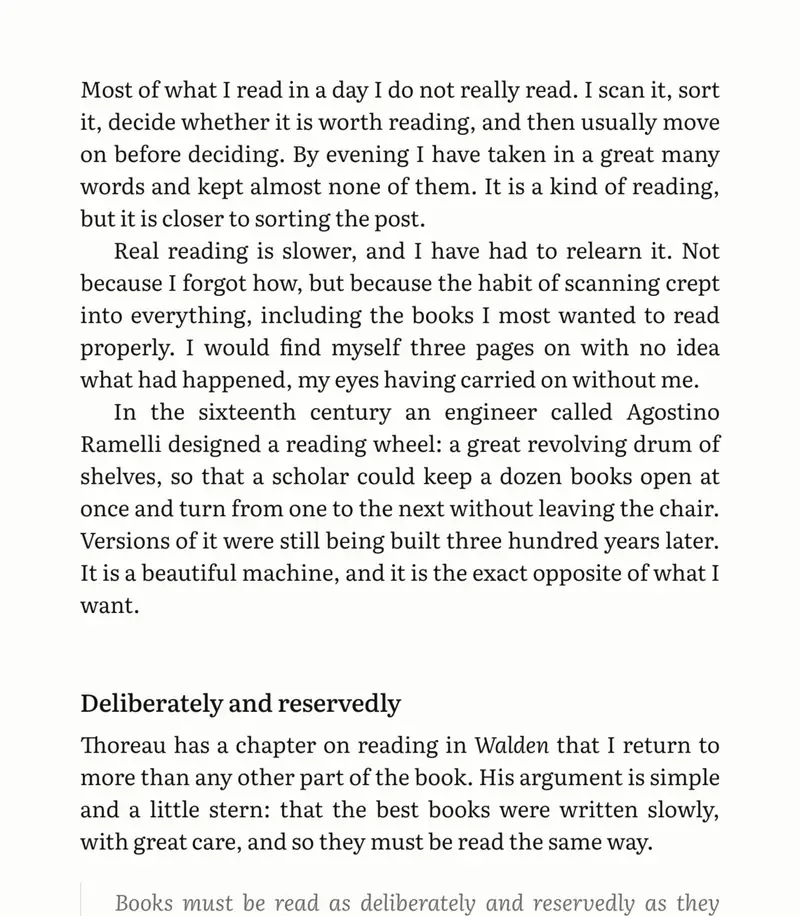
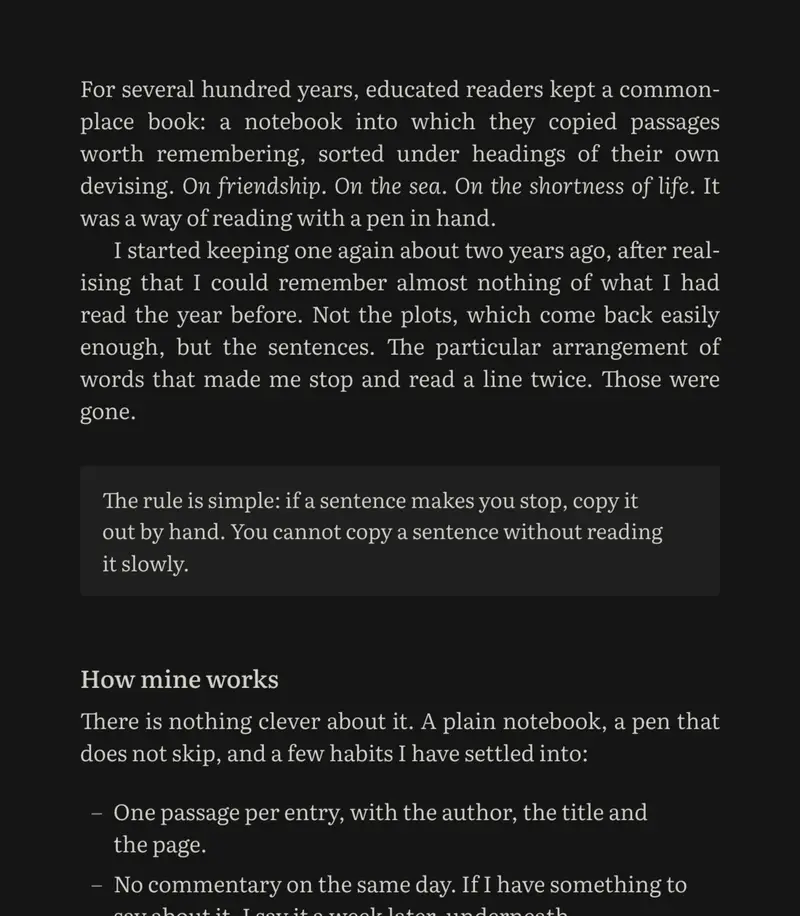
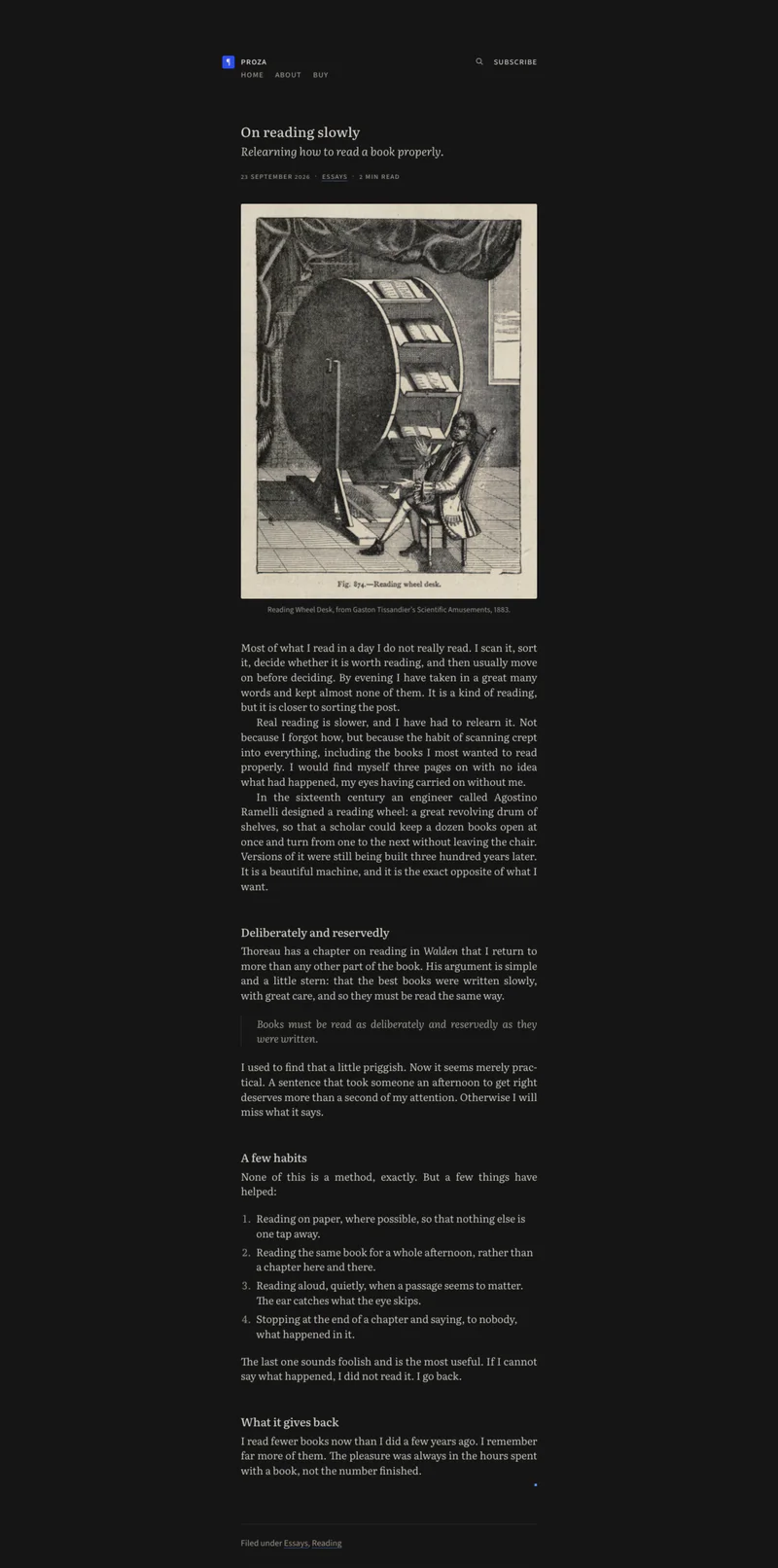
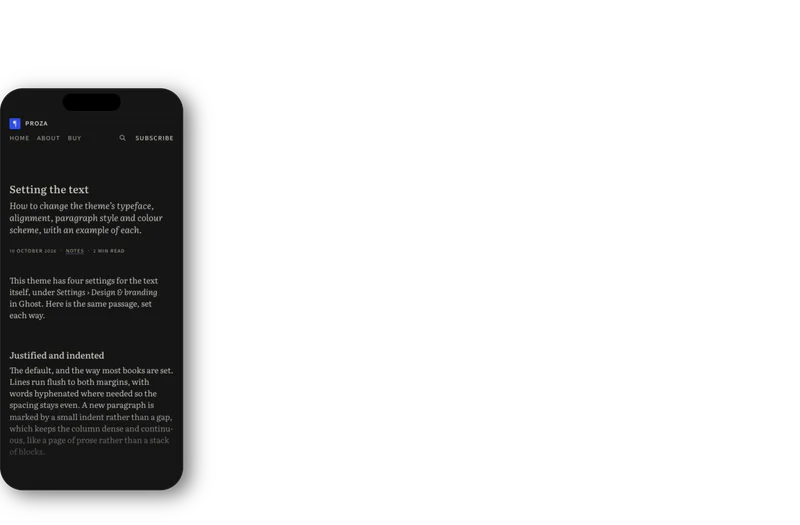
Not everyone wants their publication to look like a novel, so the book settings are switches, not rules. In Ghost’s design settings you can choose spaced paragraphs or ragged text, Times New Roman instead of Literata, and a fixed light or dark scheme. The defaults are opinionated, but they can be turned off.
Plain Text → Proza
Plain Text was the working title I had for the theme, but the theme soon outgrew it. As my friend Đorđe pointed out, the name seemed to promise a brutalist site set in Times New Roman with bright blue hyperlinks, and what I’d made was going in the opposite direction: quieter, more refined, much closer to a well-set book than a nostalgic website. I renamed it Proza: Dutch for “prose”.
The demo site is set up like a small literary-ish publication, with essays, notes and pictures, so you can see the theme handle real reading rather than lorem ipsum. The pictures are all taken from the public domain: a reading wheel from an 1883 book of scientific amusements, hands from a book printed in Nuremberg in 1491, a children’s book from 1824 in which the commas have feelings. The sample essays are AI-generated, which the site states plainly; they’re there to show how the type behaves, not to pass for my writing, or anyone else’s.
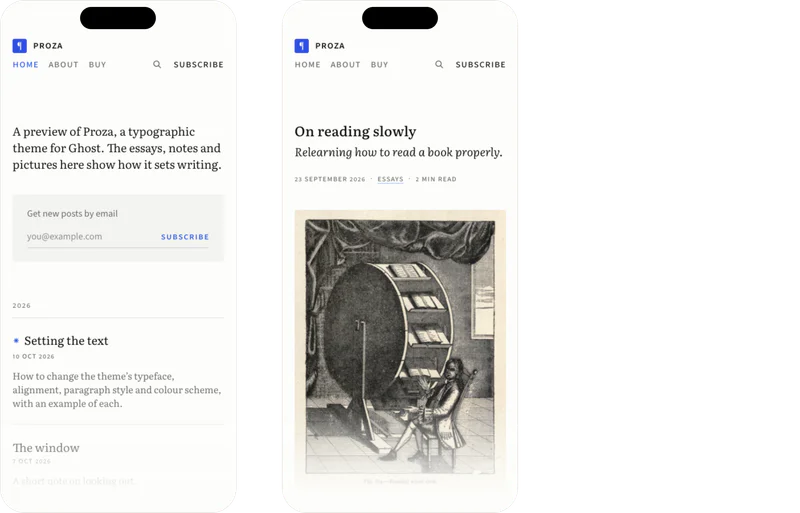
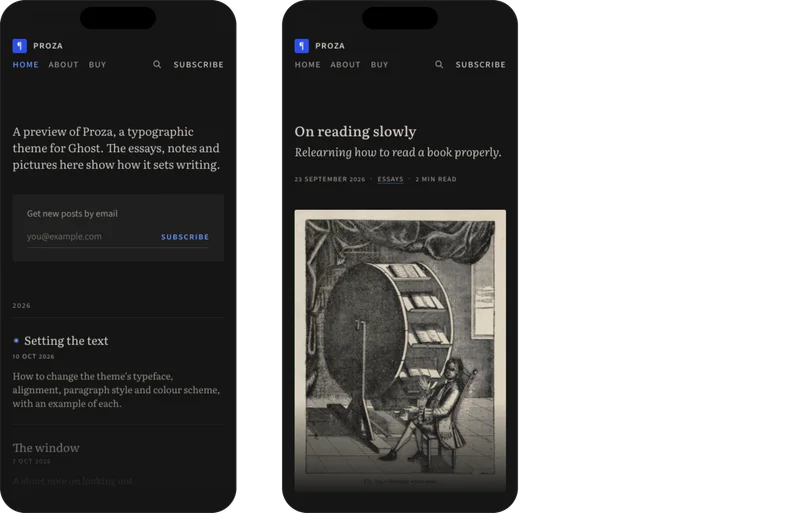


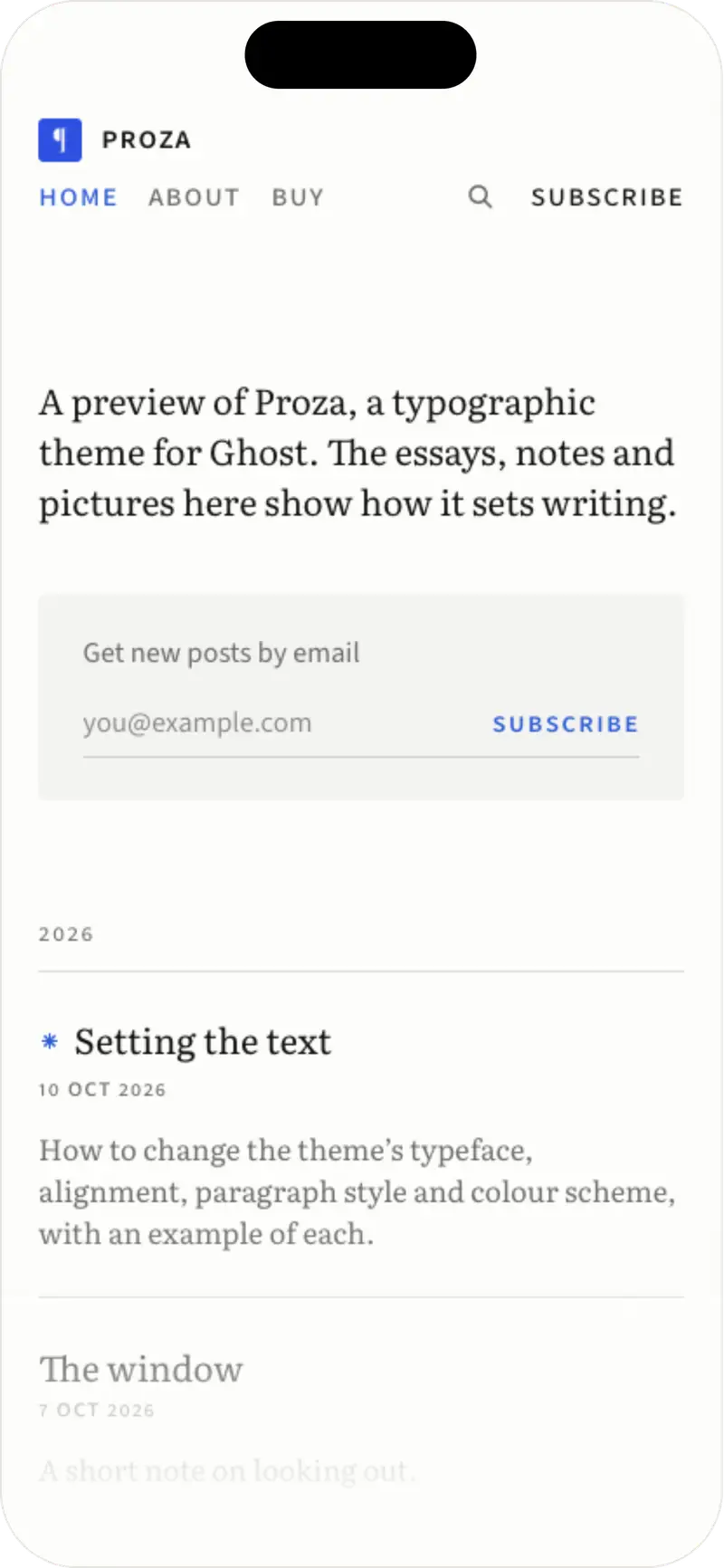
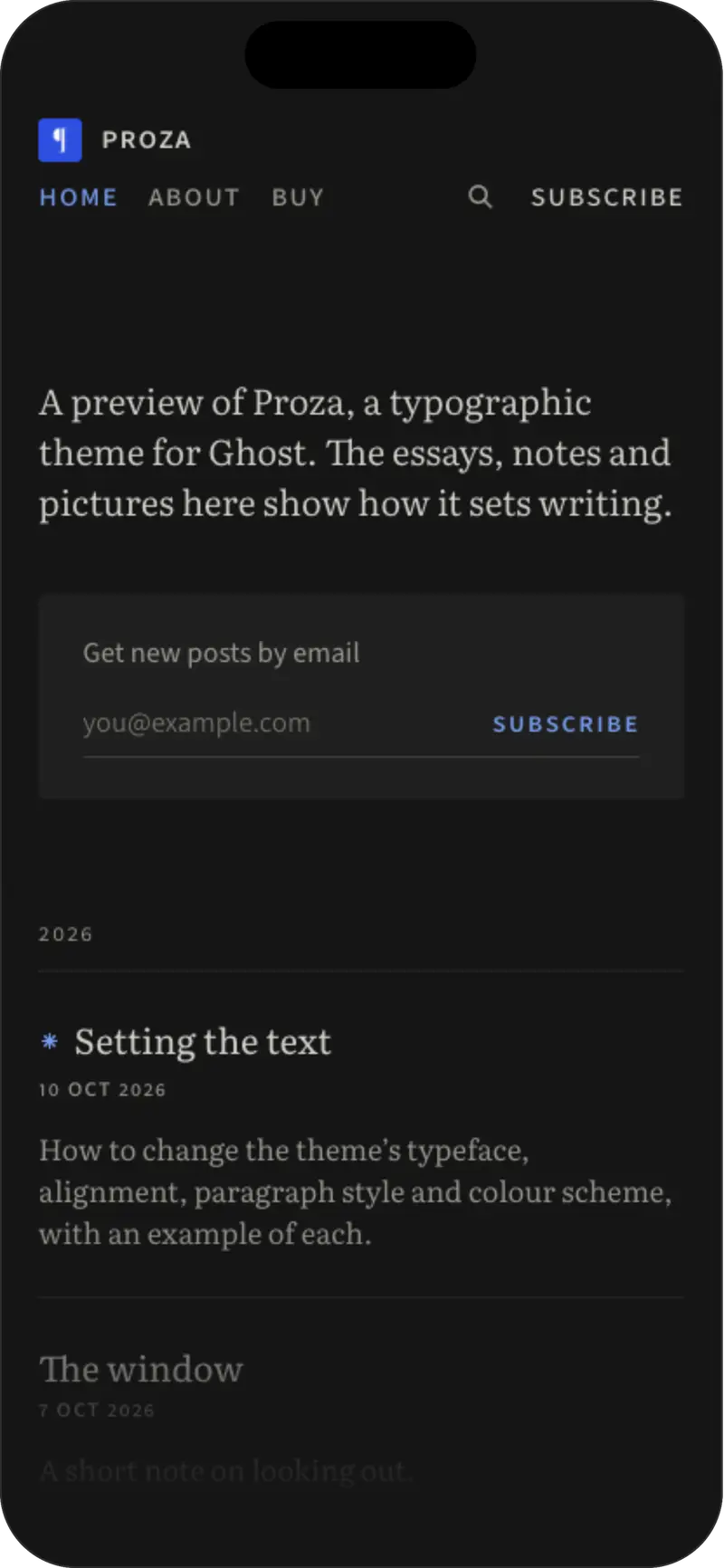
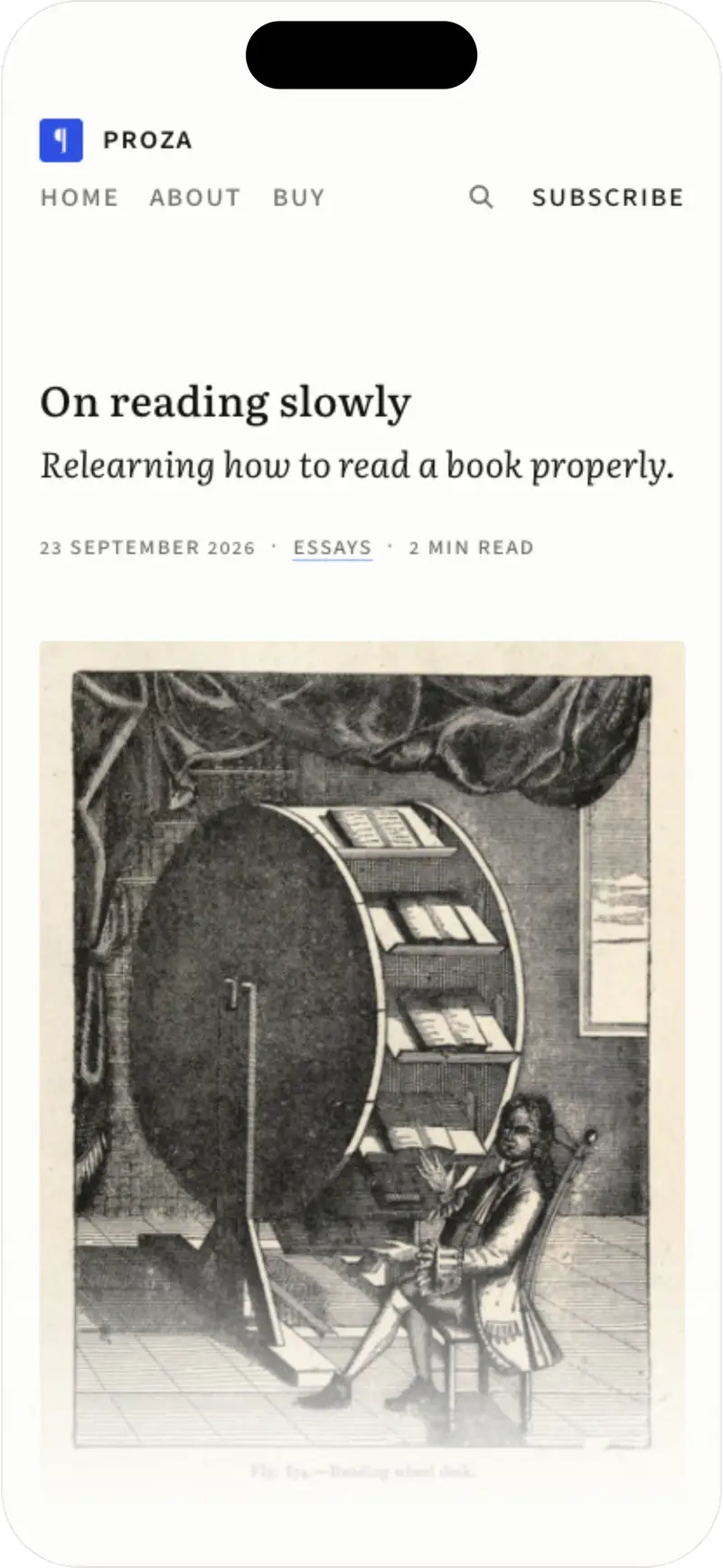
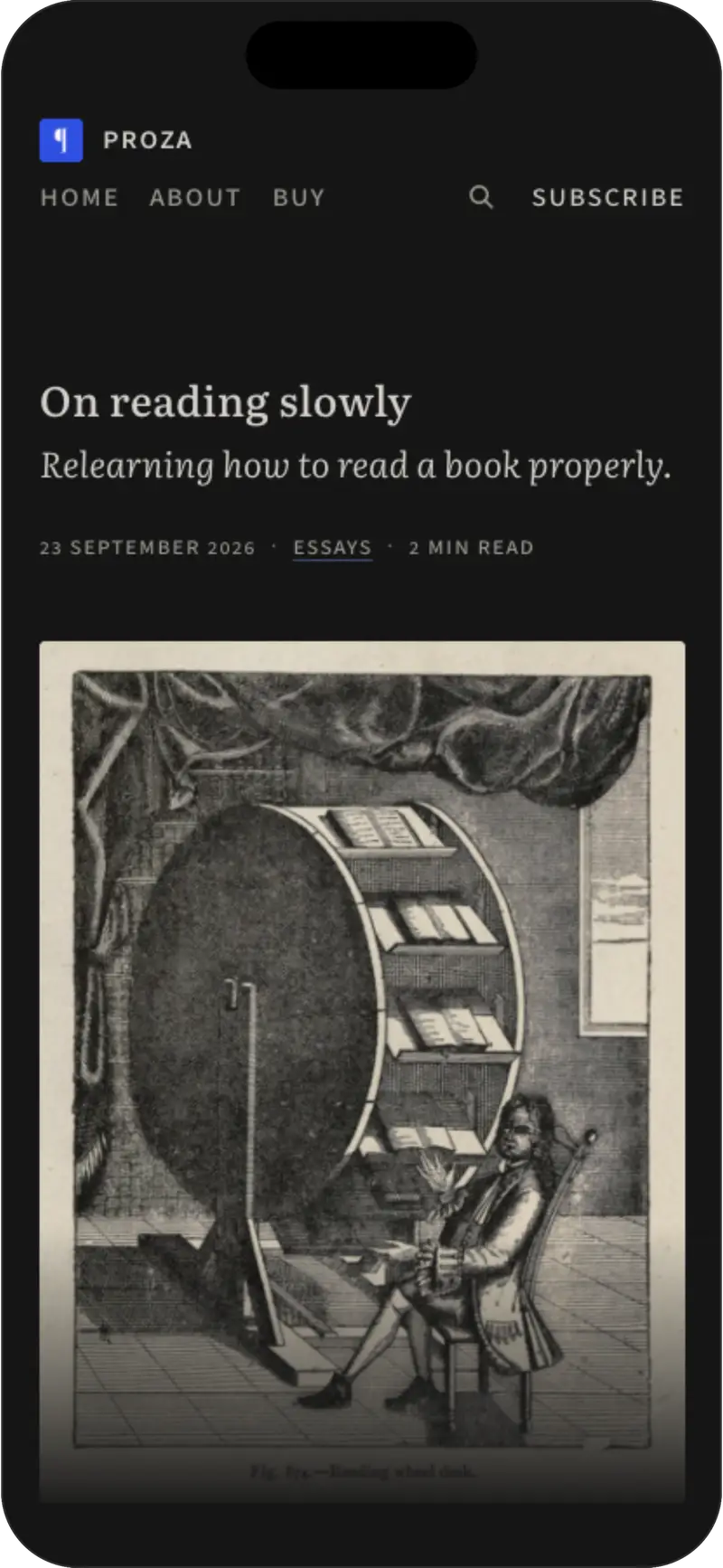
Proza costs $99 (or €89), once, for one publication, with updates and email support included. You can buy it on proza.site, and the documentation is there too, if you’d like to read it first. This is the first time I’ve built a theme and made it available to the wider public, so if you notice any room for improvement in how I’ve explained things, please feel free to reach out.
Trema remains Trema
Trema keeps its own theme, and it hasn’t stood still since that first post. In May I gave it another overhaul: larger book covers on the homepage, a more realistic shading system, different colour settings for fiction and non-fiction books, and a more immersive article page. It’s still tailored to my use case; Proza represents what I learned from making it.
If you’ve asked me for Trema’s theme in the past year: this one’s for you. And if you end up using it, I’d love to see what you write.